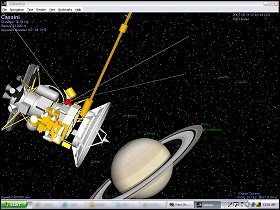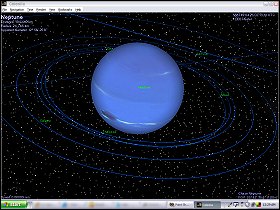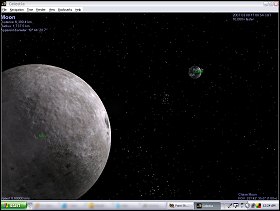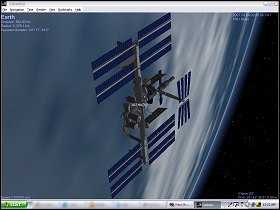
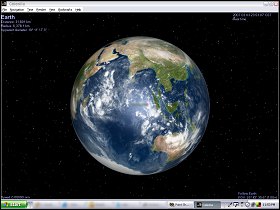
 The Game: Not a game, but a powerful (and free) space simulator, Celestia lets you pick what celestial bodies you observe, from any distance or close-up. You can tell Celestia to put convenient labels on any or all of the heavenly objects, or none of them, and even pick a minimum magnitude for background stars. But they’re not just wallpaper – you can click on and travel to any one of them, and you can follow them in a variety of ways. Add-on packages offer everything from updated imagery and orbital information for real planets, moons, comets and vehicles, as well as fictional add-ons for those who are feeling a bit fanciful. (Celestia Development Group, 2006)
 Memories: When I was a teenager, at the height of the Halley\s Comet craze in 1985, the top notch solar system simulation on a home computer was a simple game called The Halley Project, released for the Apple II and Commodore 64. Now, some 22 years later, though, instead of having to navigate 12 whole constellations to find my way to large white featureless blobs that have a handful of smaller featureless blobs orbiting them, an open-source PC solar system simulator called Celestia has finally delivered the space exploration program I’ve always wanted – for free, no less.
 The featureless blobs are now photorealistic planets. Celestia uses the latest NASA imagery to give everything a realistic look – just about the closest you can get to actually being there. It allows you to overlay the names of planets, moons, man-made spacecraft from the space station and Hubble to Cassini, Galileo and Voyager, asteroids, comets, and even constellations and individual stars. And oh yes, there are more than a dozen constellations this time.
You can speed up or slow down time, or even stop altogether if you see a particularly appealing screen shot lining up. You can watch years or centuries of planetary motion in seconds, or turn back time to specific dates and follow famous space missions as they embark on their journeys. A simple and unobtrusive point-and-click menu system lets you travel 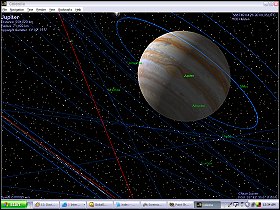 anywhere just about instantaneously. And that means anywhere – free add-on packs developed by Celestia users even let you add fictional locations and spacecraft to your universe, ranging from 2001’s monolith to Vulcan, Z’ha’dum, or a certain galaxy far far away. Installing the add-on packs isn’t the most user-friendly process in the world if you’re not ready to drop individual files into individual Windows folders. Updated orbital information and images are also available for non-fictional worlds, ranging from shuttle missions to recently discovered planets in other solar systems.
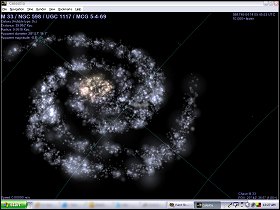
Where The Halley Project limited you to our solar system, and slapped your hand and ended your round if you tried to escape it, Celestia lets you travel to any star 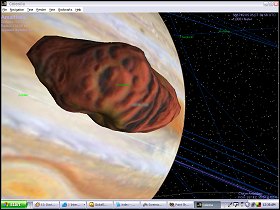 or galaxy you can click on. (The trick from there, of course, is finding your way home again.)
 Celestia isn’t really a game in the way that The Halley Project was, so maybe it’s a bit of a misnomer to add it to Phosphor Dot Fossils, but it’s every bit as entertaining and engrossing, not to mention educational, and it’s certain to fire up your imagination just a little bit – much like The Halley Project did for me, all those years ago.